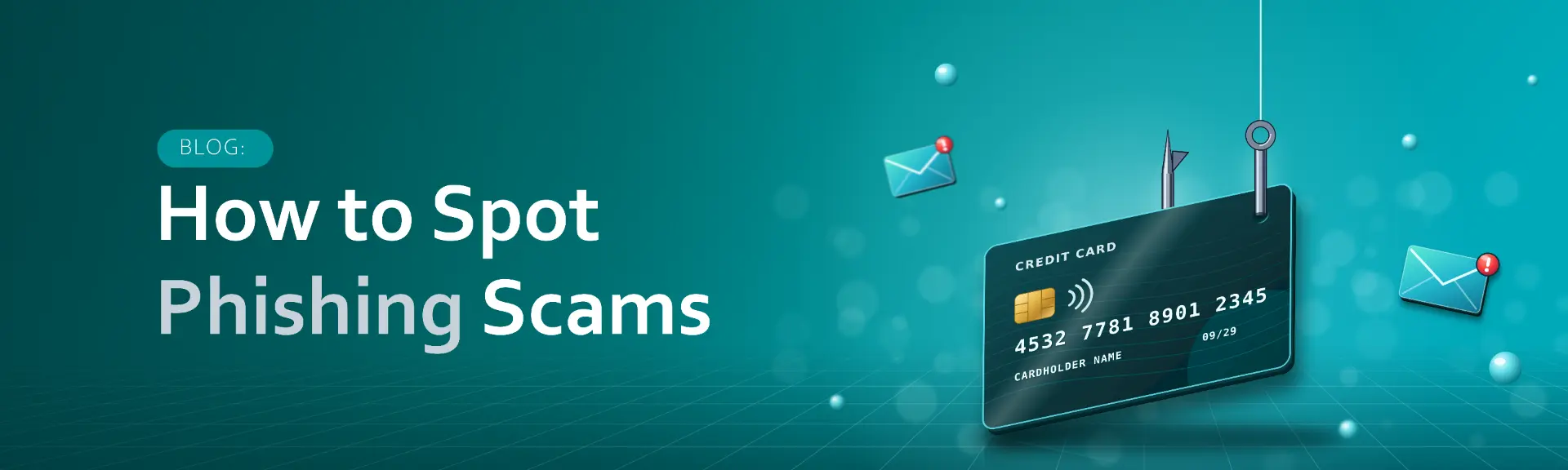
Shopping season is peak season for phishing.
It's that time of year again. Year-end sales are everywhere, gift lists are getting longer, and "limited time" offers seem to pop up every hour. Our phones are buzzing with offers, order confirmations and "your order is on the way" updates.
Cyber criminals know this too. When we're busy, excited and expecting messages, we're more likely to click without thinking. That's why shopping season is peak season for phishing. Fake deals, delivery notices and invoices land in inboxes every day, and this year they're more convincing than ever.
Scams by the numbers
- 7 in 10: adults across 13 Asian markets who encountered a scam in the past year, with losses estimated at US$136.5 billion. Source: Global Anti-Scam Alliance, State of Scams in Asia 2026 (October 2026).
- 3 in 4: adults in Europe who encountered a scam in the past year. The average victim lost US$2,735 each. Source: Global Anti-Scam Alliance, State of Scams in Europe 2026 (June 2026).
- Confidence isn't protection: 7 in 10 Europeans say they can spot a scam, yet 44% of those who came across one are still engaged with it. Source: Global Anti-Scam Alliance, State of Scams in Europe 2026.
- Over 1 million: phishing attacks recorded worldwide from April to June 2026, up 10% on the three months before. Scam text messages jumped 40% over the same period. Source: Anti-Phishing Working Group (August 2026).
What scams look like this year
The old warning signs, like bad spelling and blurry logos, are fading fast. AI now helps scammers produce polished messages and entire websites in minutes. Here's what's landing in inboxes and phones right now.
- Fake online stores. Scammers no longer fake a single product, they fake the whole shop, complete with product photos, reviews and return policies. AI tools let them build these sites in minutes and promote them through ads on social media. Once you pay, the goods never arrive and your card details are in the wrong hands.
- Fake delivery texts. A message says your order couldn't be delivered and asks you to "update your address" or pay a small fee. Security researchers at Group-IB found scammers in the Middle East slipping these texts into real courier message threads, so they appear to come from the courier company itself. The fake payment page then captures card numbers and one-time passwords as you type.
- Fake invoices and order confirmations. An unexpected bill or a "payment failed" notice pushes you to log in or pay through a link. The goal is your password or your card details, and businesses are a favorite target because staff handle invoices every day.
How it could play out: a year-end deal gone wrong
- Imagine a message that lands on your phone: "Year-end mega sale: 70% off top brands. Today only!" It carries a familiar logo, a countdown timer and a link to a slick-looking shop.
- Everything about it feels plausible, because scammers time their bait to the sales events people are already hunting for. But the link leads to a fake store. Pay there, and your card details go straight to criminals, and your order never arrives.
- The same pattern shows up in fake gift card offers, "exclusive member" discounts and prices that are simply too good to be true. Whenever a big sale is trending, expect copycats to follow. Get offers only from the retailer's official website, app or verified social accounts.
4 habits that keep you safe
You don't need to be a tech expert to stay safe. These four habits stop most shopping season scams before they get you.
1. Check links before you open them
Hover over a link, or press and hold it on your phone, to see where it really goes. Watch for misspelled brand names, extra words in the address and unusual endings like .xyz, .top or .click. Better still, skip the link entirely: type the store's address yourself, or enter your tracking number on the courier's official website or app.
2. Turn on multi-factor authentication
Multi-factor authentication (MFA) asks for a second proof, like a code or an app approval, on top of your password. If a fake page steals your password, MFA can still stop someone from logging in. Turn it on for your email, banking and shopping accounts, and never share a one-time code with anyone who contacts you.
3. Keep devices and apps updated
Updates close the security gaps that attackers look for. Switch on automatic updates for your phone, computer, browser and shopping apps, and don't put off that restart.
4. Report anything that looks suspicious
If a message feels off, don't click, don't reply and don't delete it straight away. Report it to your IT or security team at work, or to your bank if your card details may be involved. One quick report can stop the same scam from reaching your colleagues, friends and family.
THINK BEFORE YOU CLICK
Stop a cyber attack before it gets you
The best year-end deals will still be there after a few seconds of checking. Before you click a link, pay a fee or enter a code, run through this quick check:
- Was I expecting this?
- Is it rushing me?
- Can I check it another way?
If any answer gives you pause, stop and verify through the official website or app first.
Share these habits with your team, friends and family so everyone can enjoy the season's sales without the cyber risk.
Sources
- Global Anti-Scam Alliance: State of Scams in Asia 2026 (October 2026)
- Global Anti-Scam Alliance: State of Scams in Europe 2026 (June 2026)
- Anti-Phishing Working Group: Phishing Activity Trends Report, Q2 2026 (August 2026)
- Khaleej Times: Fake shipment tracking scams surge in UAE and region, reporting Group-IB research (March 2026)